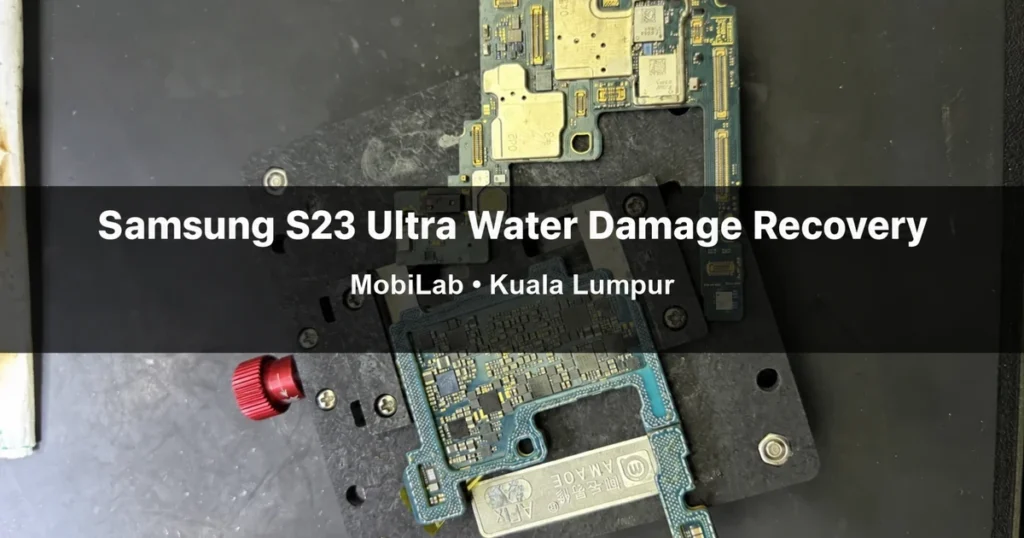
Samsung S23 Ultra water damage can leave a phone unable to turn on, with important files still inside. In this MobiLab case in Kuala Lumpur, a customer’s Galaxy S23 Ultra arrived after liquid damage with no power. We separated its stacked motherboard, repaired damaged components, and carried out CPU and UFS reballing. The phone subsequently powered on, and we successfully recovered the customer’s data.
This is one documented repair outcome, not a promise that every wet Samsung phone can be recovered. The right approach depends on inspection, the extent of the damage, and whether the components needed to access the data remain recoverable.
The Case: A Water-Damaged S23 Ultra That Would Not Turn On
The customer’s problem was not simply a wet charging port warning. The phone was not powering on after liquid exposure, and recovering the data was a priority. In a case like this, the visible symptom does not identify the exact faulty component. A dead screen alone cannot tell us whether the problem is the battery, display, power circuitry, or deeper motherboard damage.
Our repair work in this case went beyond replacing an external part. It involved access to the motherboard’s internal layers and work around the CPU and UFS storage package. The photographs below document stages of that process, followed by the phone booting and reaching its normal interface.
First: Separate the Motherboard and Repair Damaged Components
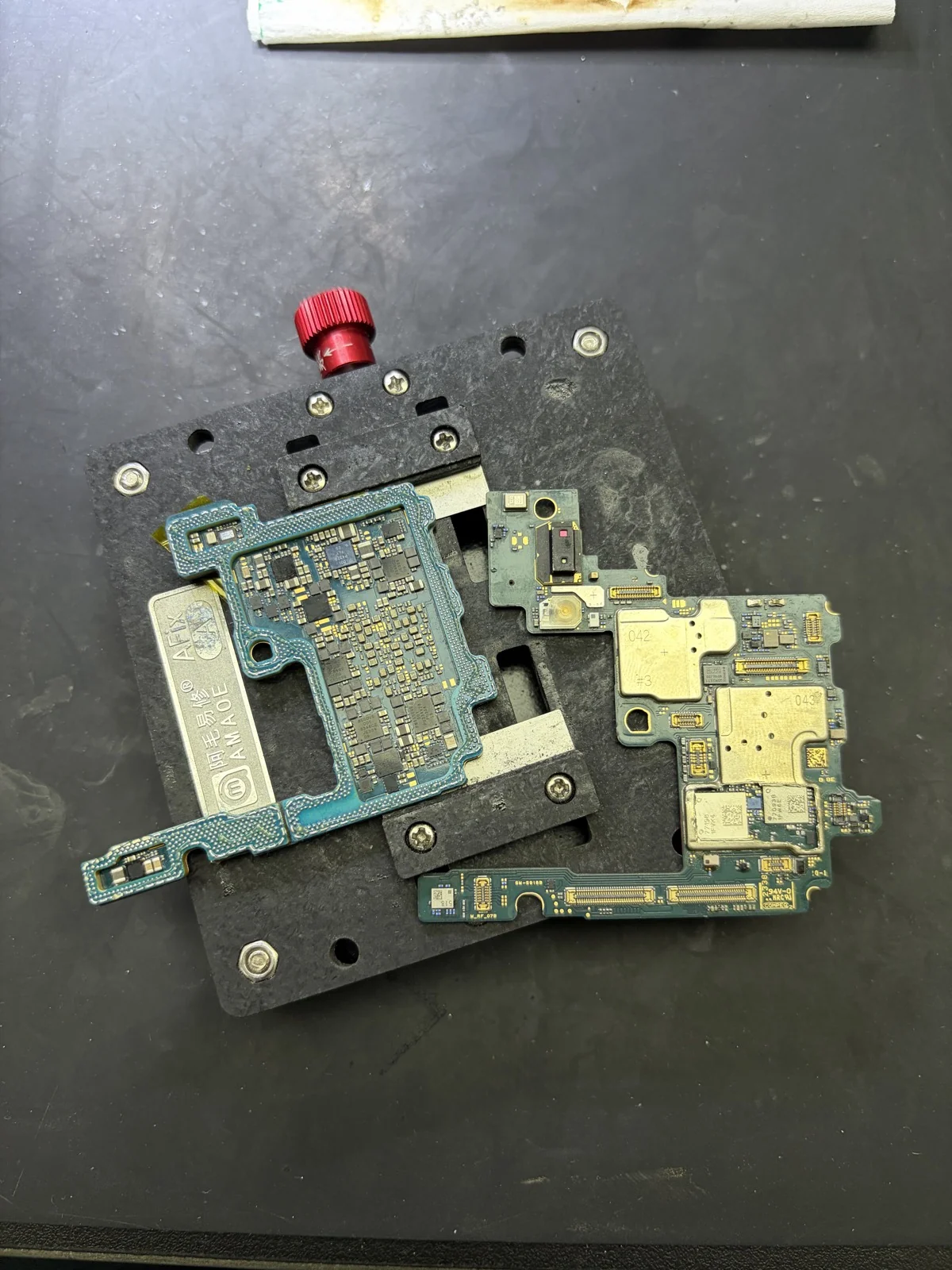
This S23 Ultra used a stacked, dual-layer motherboard assembly. We separated the layers to access the areas that needed repair. The first photograph shows the separated boards during this component-repair stage.
Separating a stacked board is a specialist board-level operation, not a home drying method. It provides access for inspection and repair; it does not itself recover data. The next steps must be based on the actual board condition. We are not identifying a particular failed IC or claiming that every S23 Ultra with water damage needs this same procedure.
Next: CPU and UFS Reballing
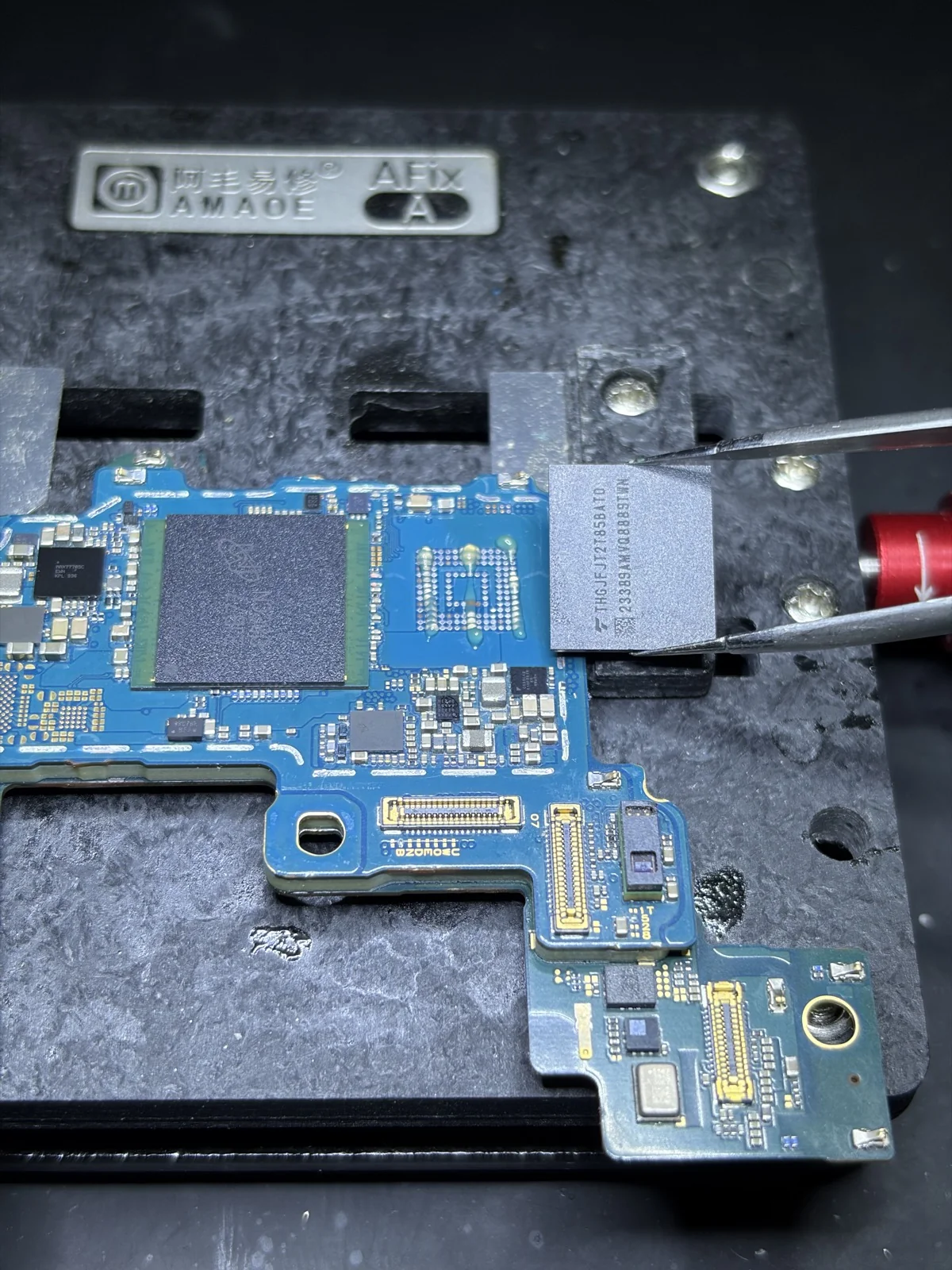
After the damaged-component work, the repair process included CPU reballing and UFS reballing. Reballing refers to renewing the solder-ball connections beneath a chip package before reinstalling it. It is different from replacing the entire motherboard and is not a software reset.
The CPU is the phone’s main processing component. The following photographs show the exposed board footprint and removed packages during the CPU repair stage. They illustrate the scale of the work, rather than a step-by-step guide for attempting it without specialist equipment.
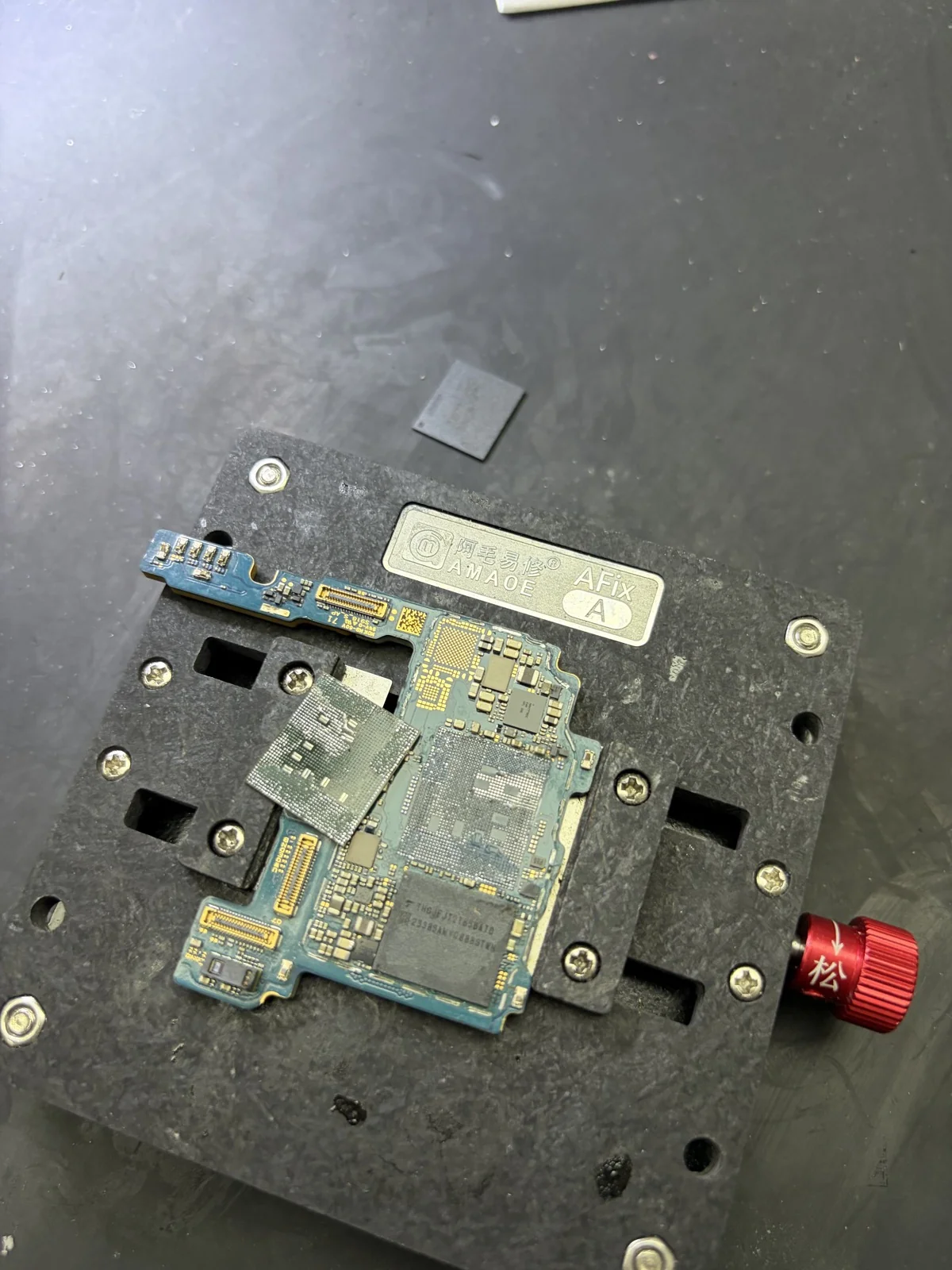
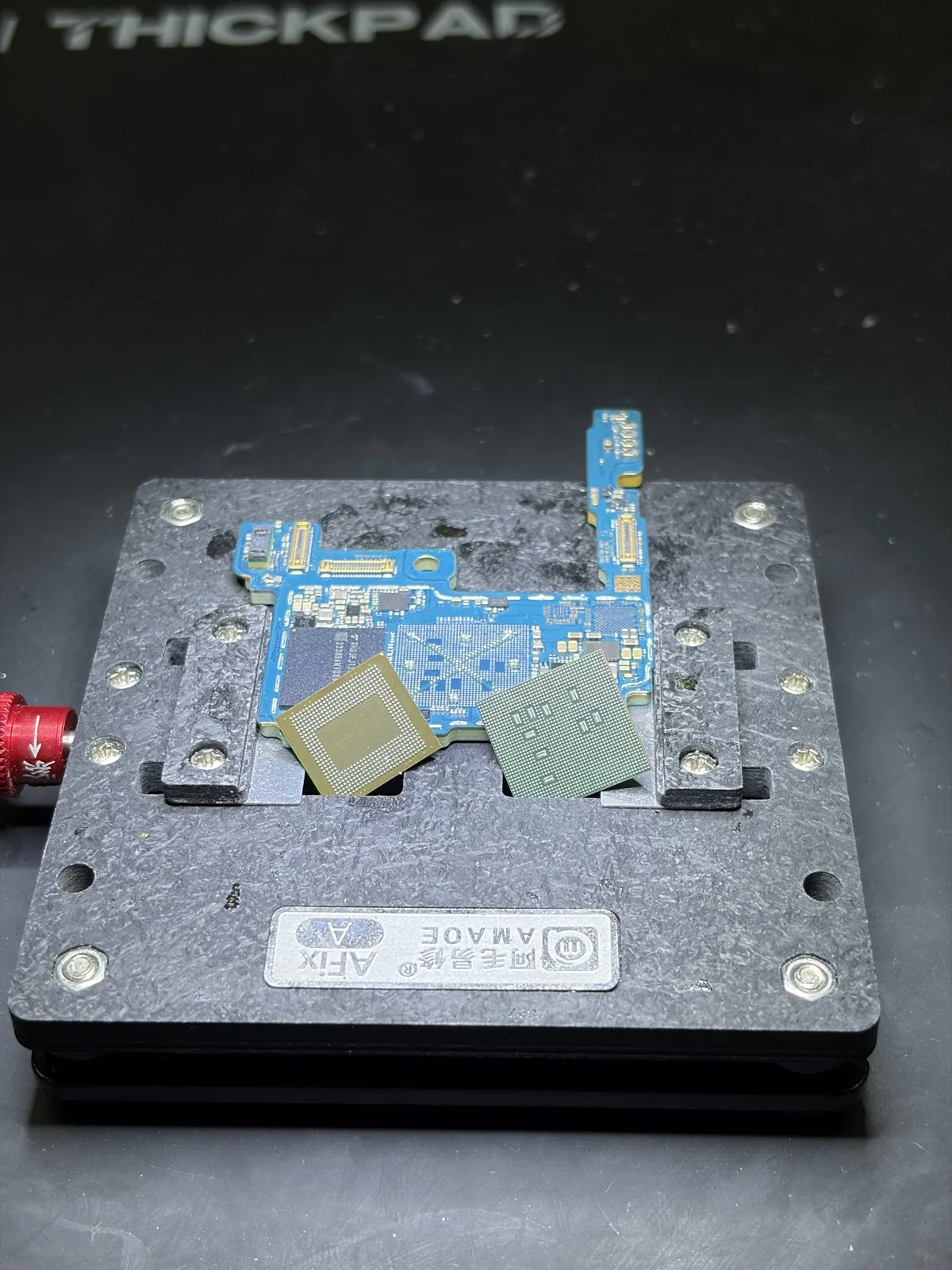
UFS is the phone’s internal storage. In this case, UFS reballing was also part of the repair. That does not mean we installed blank storage or simply removed a chip and read all of its contents directly. The aim of the board work was to make the device accessible again so the customer’s data could be recovered.
The Result: Power Restored and Customer Data Recovered
Following the repair work, the phone powered on and reached the Samsung Galaxy boot screen. It then reached its normal interface. MobiLab confirmed that the customer’s data was successfully recovered in this case.
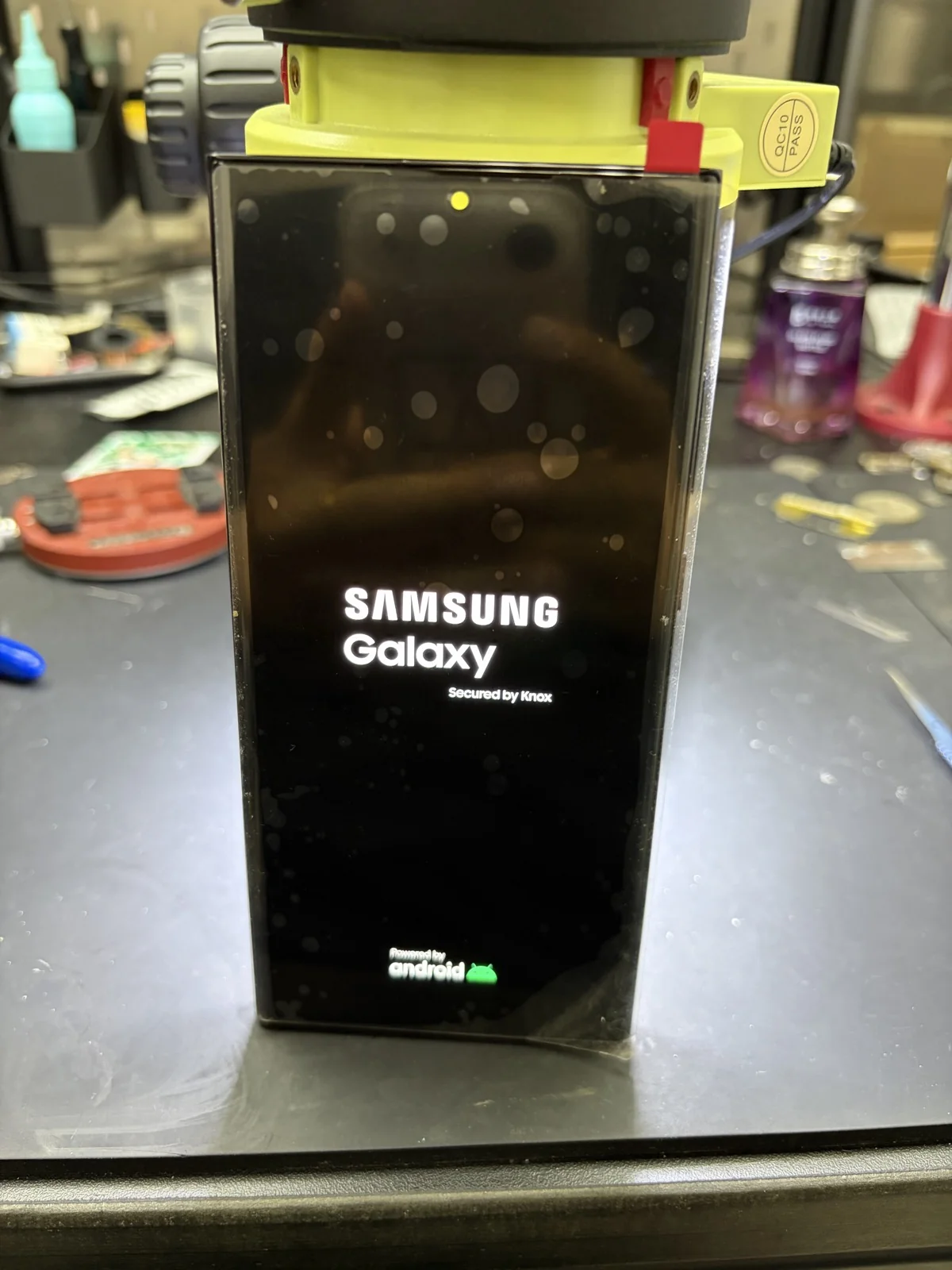
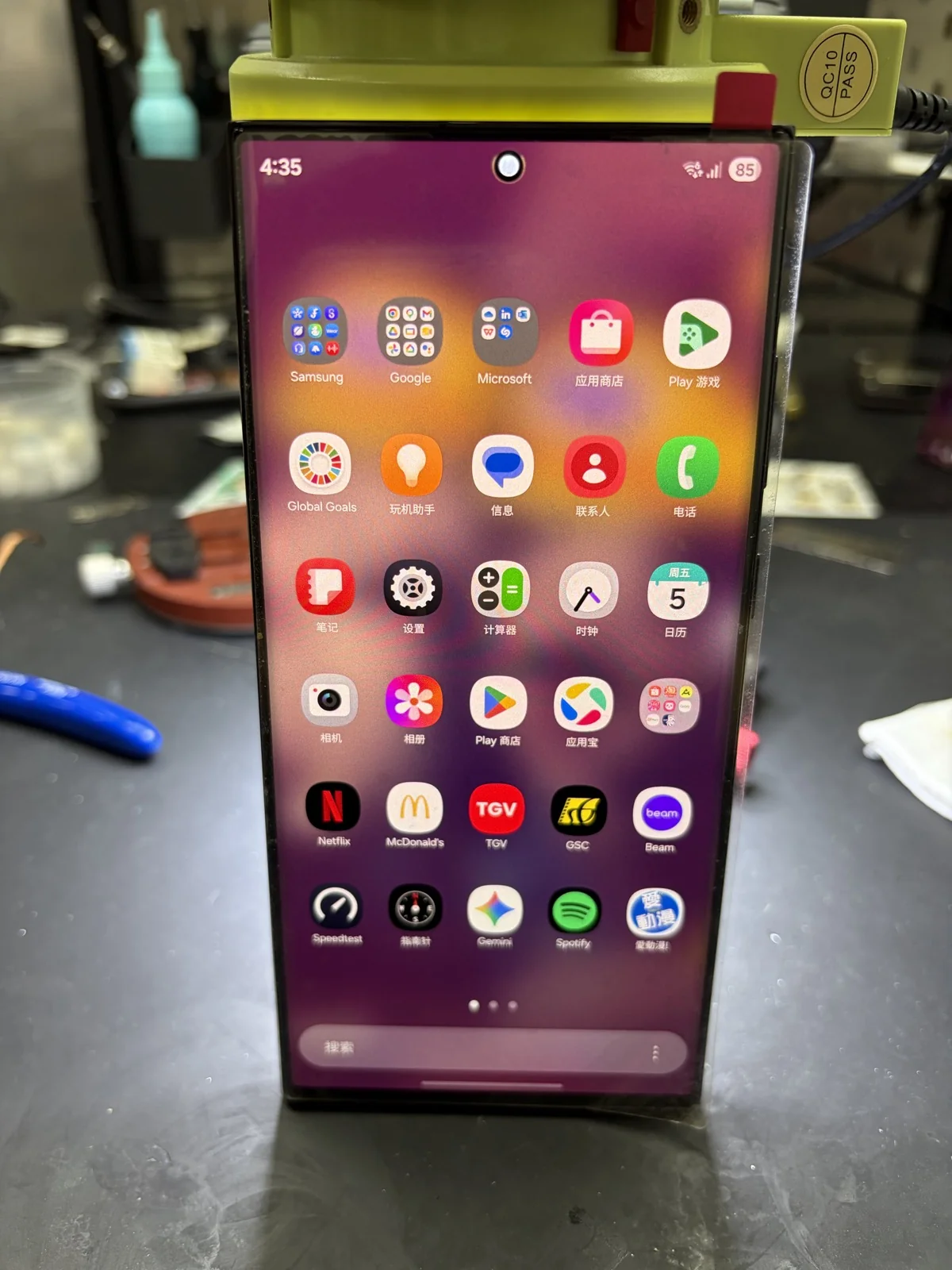
These photographs show the boot and interface stages. They are not a claim that every file category was checked, every phone function passed testing, or the original water resistance was restored. Successful data recovery and long-term daily-use reliability are separate questions after liquid damage. Once access is restored, arrange a backup of the important data.
What Should You Do If Your Samsung Will Not Turn On After Water Damage?
- Stop repeated power-on attempts and do not connect it to a charger while liquid damage is suspected.
- Gently dry the outside. Avoid hair dryers, external heat, or opening and heating the motherboard yourself.
- Tell the technician that data recovery is your priority before authorising work.
- Do not factory reset or flash the phone as a guess when you need its existing data.
- Explain what liquid was involved, when it happened, and whether the phone was charged or repaired afterwards.
Samsung warns that moisture may remain inside even after drying, and recommends inspection without turning the device back on. See Samsung’s guidance after water exposure. Letting the outside dry does not establish that the motherboard is undamaged.
Samsung Water Damage Repair and Data Recovery in Kuala Lumpur
If you are searching for Samsung water damage repair near me or Samsung data recovery in KL, start with an assessment rather than assuming a battery replacement will fix a no-power phone. MobiLab handles phone repair enquiries from Kuala Lumpur and Selangor, including customers whose main concern is recovering data from a damaged device.
This Galaxy S23 Ultra is the case example, not the limit of the service. You can ask about other Samsung models, but repair suitability and data recovery prospects need to be checked individually. CPU and UFS reballing are not automatically appropriate for every model or every no-power fault.
Visit MobiLab at Wisma Cosway, Jalan Raja Chulan, Kuala Lumpur, or Plaza Idaman in the Medan Idaman / Setapak area. WhatsApp MobiLab with your model, symptoms, and liquid-exposure history, or use our contact page to plan a visit. You can also browse our phone repair services.
Frequently Asked Questions
Can data be recovered from a water-damaged S23 Ultra that will not turn on?
Sometimes. This case ended in successful recovery after board-level repairs, but the outcome depends on the damage. A no-power symptom alone is not enough to confirm whether data can be recovered.
Does every Samsung S23 Ultra water damage case need CPU and UFS reballing?
No. Those procedures were used in this particular case. Inspection must determine what needs repair; another phone with the same symptom may have a different fault.
Is UFS reballing the same as replacing the storage?
No. Reballing renews solder connections beneath a package. It does not mean installing blank storage, and it should not be described as a guaranteed way to extract data.
Should I charge my wet Samsung phone to see whether it still works?
No. Stop charging and repeated power attempts when liquid damage is suspected. Have the phone assessed, and explain that keeping the existing data is important.
Does successful data recovery mean the phone is fully restored?
Not necessarily. Recovering data, checking all functions, and assessing ongoing reliability are different tasks. Do not assume that a booting phone has its original water resistance restored.
Where can I ask about Samsung data recovery in Kuala Lumpur?
Contact MobiLab at Wisma Cosway or Plaza Idaman, Medan Idaman / Setapak. Send the phone model and fault history first so the team can explain the assessment process. Our repair FAQ covers general service questions.