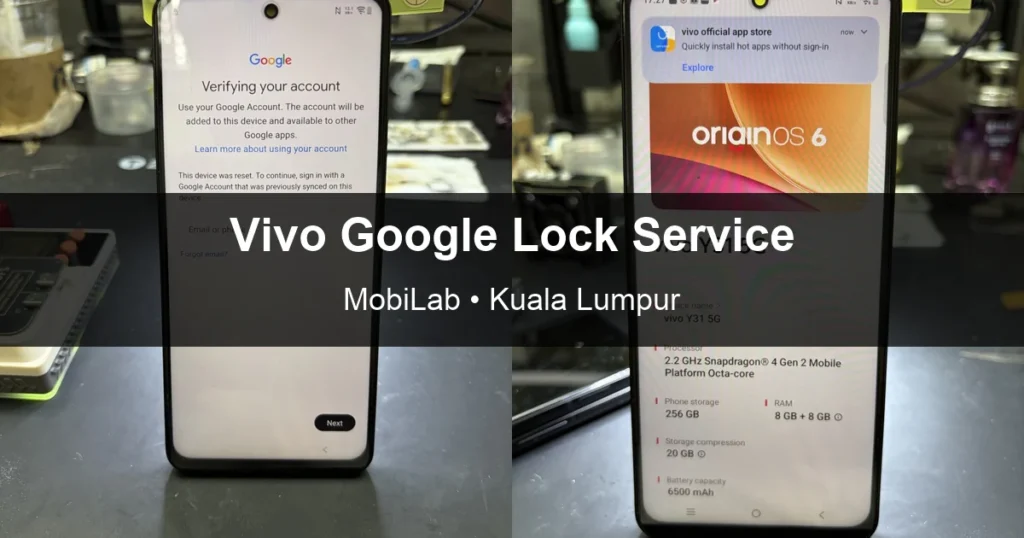
Looking for Vivo Google lock service KL because your phone is stuck on Google account verification after a reset? MobiLab can assess your Vivo phone in Kuala Lumpur and explain the available options for legitimate owners. Our service enquiries are not limited to the Y31: we also assess other Vivo models, with suitability checked individually.
This article follows a Vivo Y31 5G case completed by MobiLab using a chip-off method. It shows the original verification screen, motherboard work and the device reaching setup afterwards. This case illustrates our workshop experience; it does not mean every Vivo phone needs chip-off work or has the same outcome.
Why Is My Vivo Asking for the Previous Google Account?
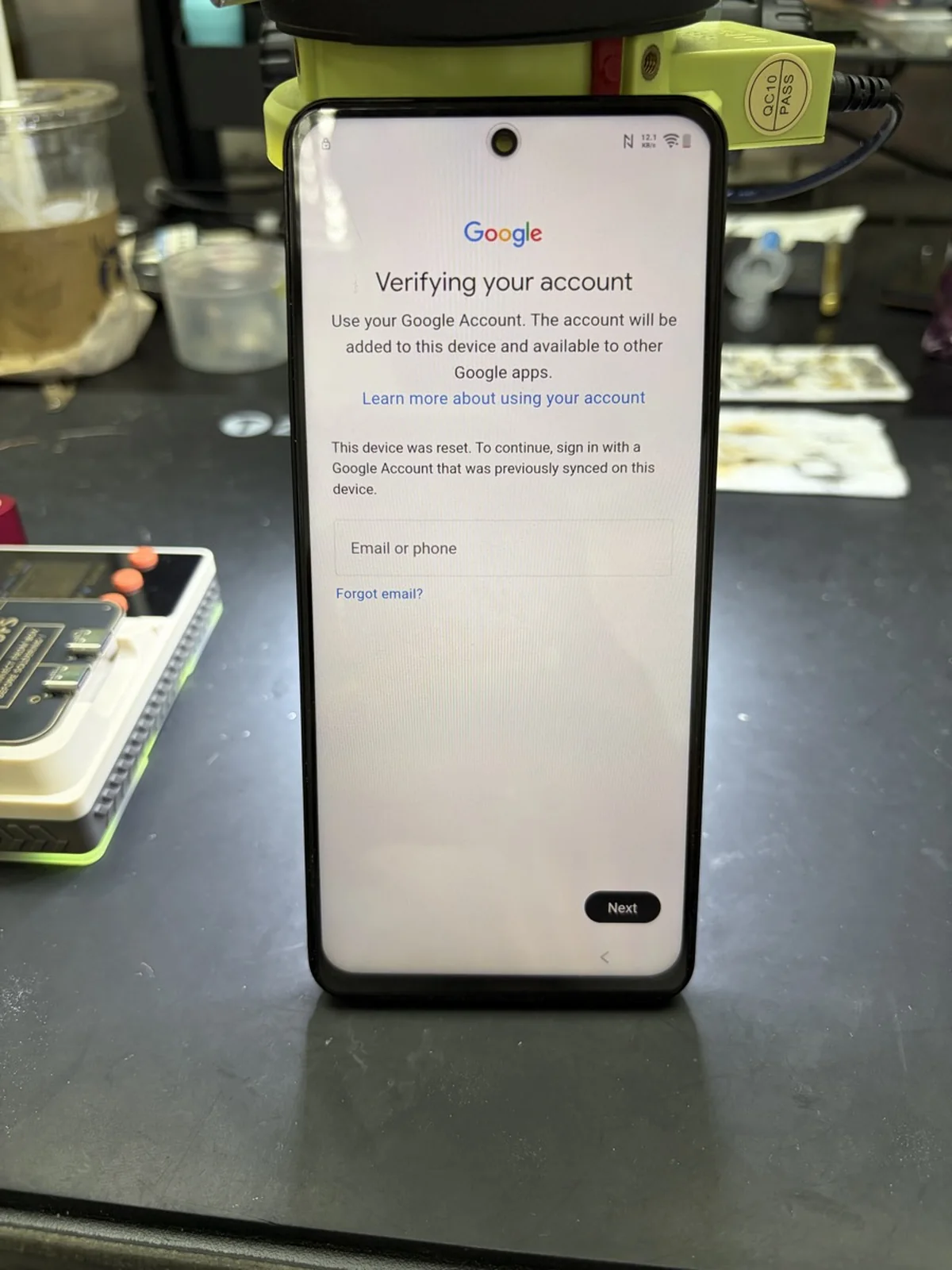
A phone that displays “This device was reset” and asks for a previously synced Google account is presenting an ownership-verification requirement. This is commonly described as Google lock or Factory Reset Protection (FRP). It is different from a SIM network lock and from an ordinary screen PIN.
Google explains that device protection helps prevent someone else from using a phone after an unauthorised reset. A protected device can require prior account information during setup. See Google’s explanation of device protection for the underlying purpose; exact screens and options vary by device.
If the account belongs to you, try Google’s official account recovery first. For a second-hand phone, contact the seller or previous owner to resolve the account association. Bring proof of purchase or other ownership records when requesting a workshop assessment. Do not send passwords or one-time verification codes in a repair enquiry.
The Vivo Y31 5G Case at MobiLab
The before-service photograph shows the phone stopped at “Verifying your account”, with a message requesting a Google account previously synced to the device. MobiLab used a chip-off method for this particular case, involving specialist work on the phone’s storage hardware.
Chip-off is a hardware-level approach, not a normal settings change. It is invasive work that needs an individual assessment and a clear discussion of hardware and data risks. The method used for this Y31 5G should not be assumed suitable for another model, software version or motherboard condition.
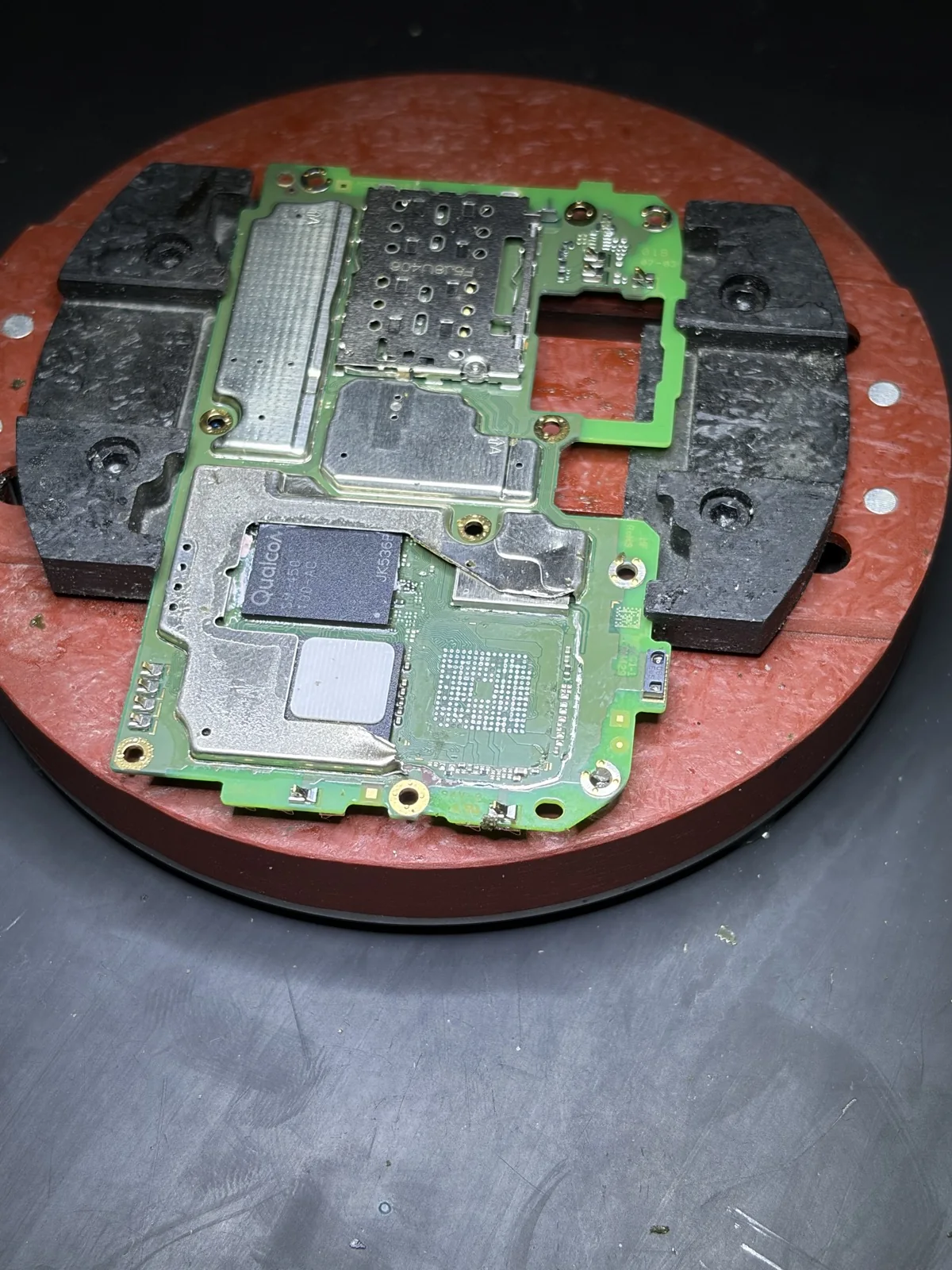
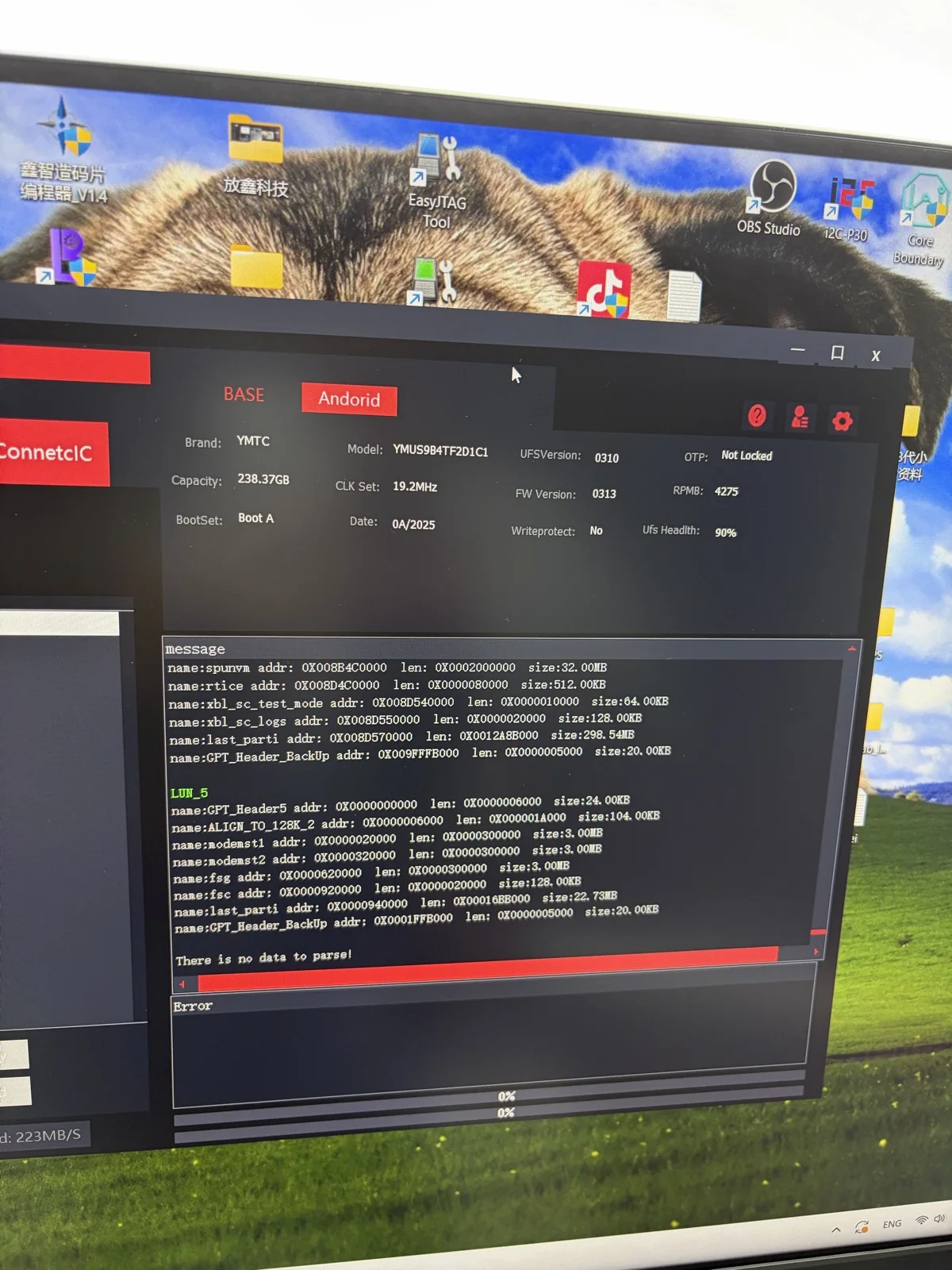
The workshop photo shows the motherboard secured in a repair fixture, with a chip removed from its pad area. A separate workstation photo documents the storage diagnostic screen from this case. Neither picture alone proves a successful result; the device’s behaviour after reassembly matters.
What Changed After Service?
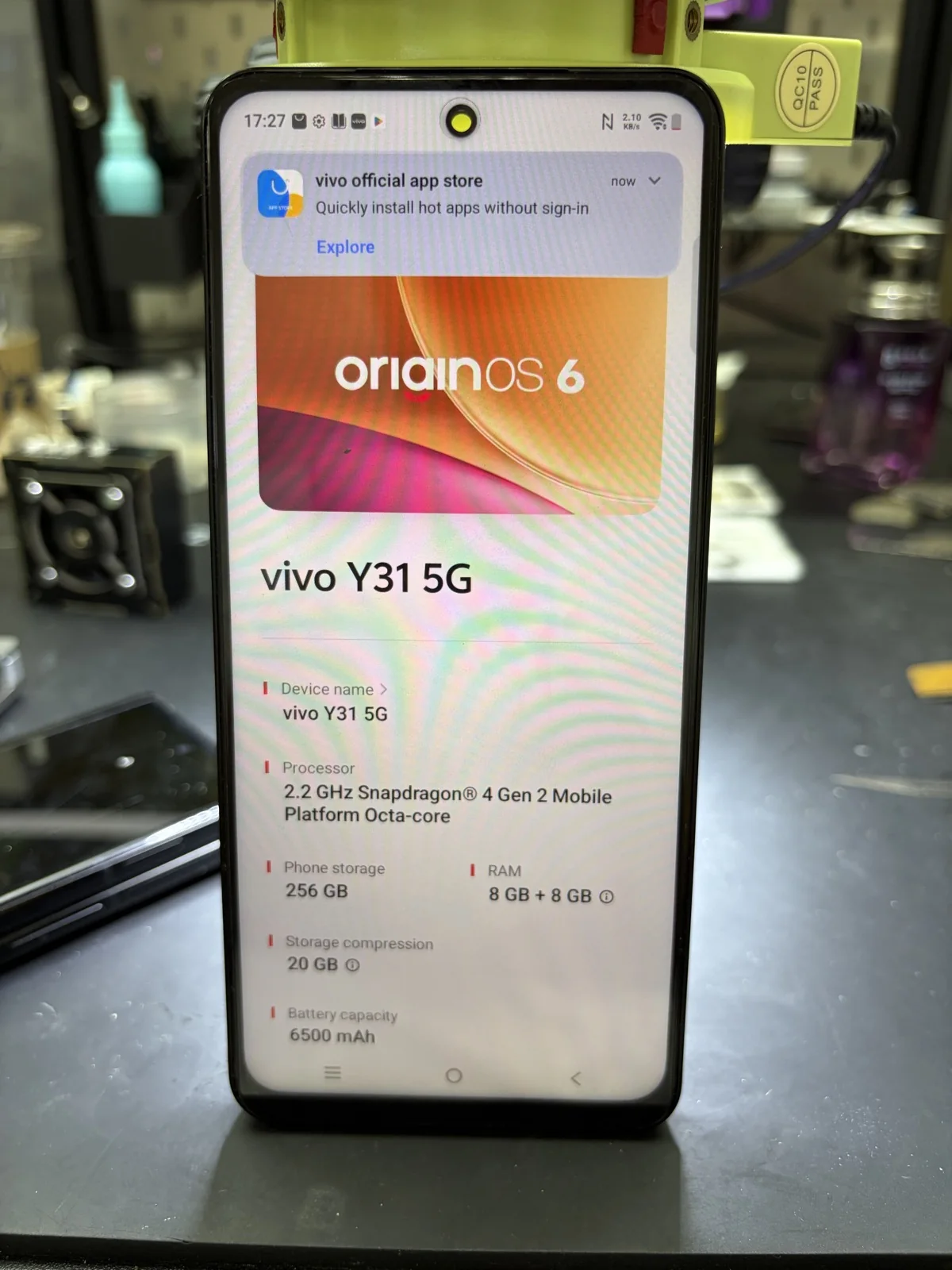
In the after-service photograph, the device reaches the standard Google sign-in screen with a Skip option, rather than the earlier message demanding a previously synced account. Another photograph shows access to the device information screen identifying it as a Vivo Y31 5G.
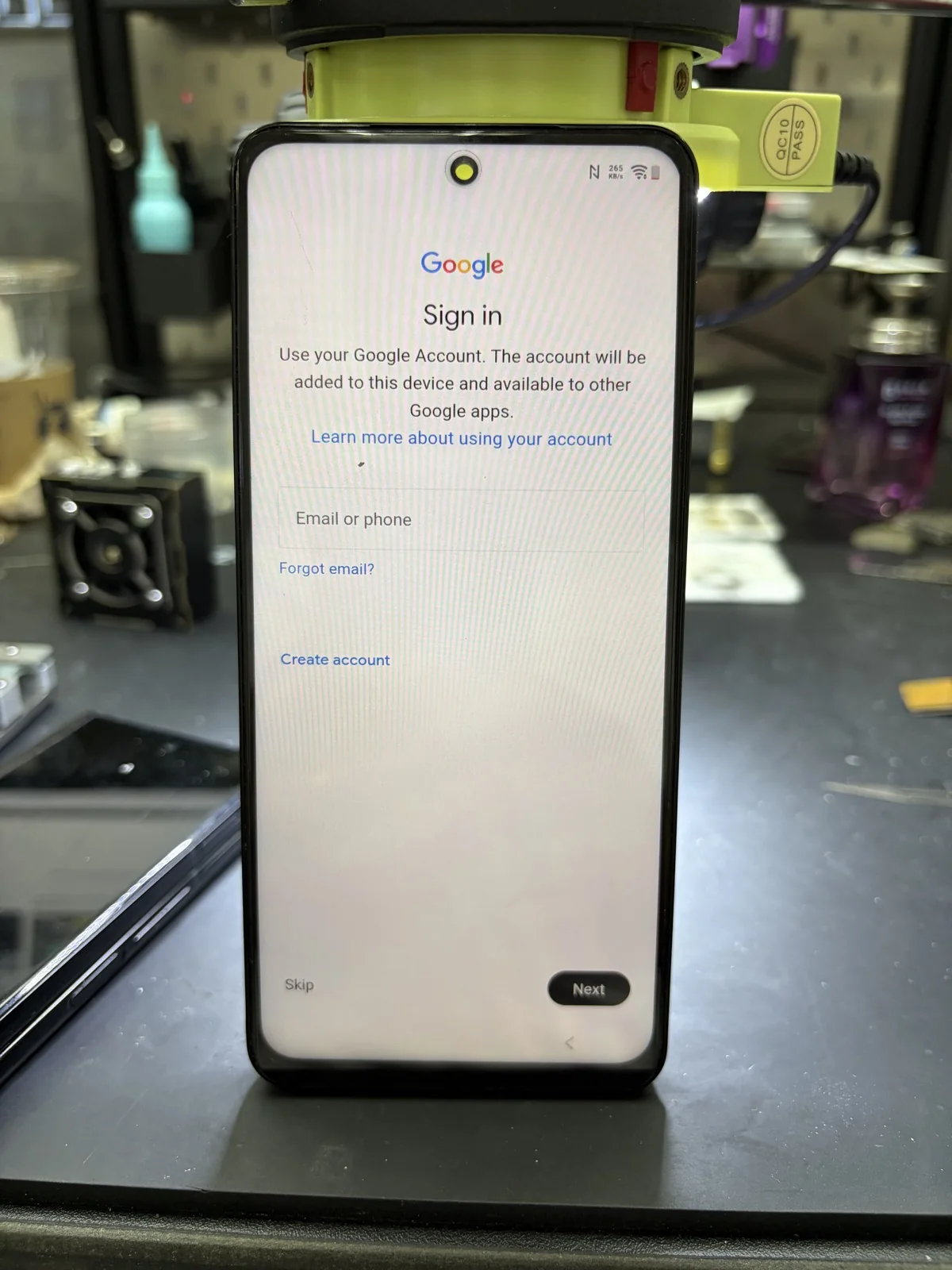
These are the visible results from this specific completed case. They do not establish that old photos, messages or files were recovered, and they are not a promise of identical results for another phone. Account-lock service and phone data recovery are separate needs, so tell us about any important files before agreeing to work.
Can MobiLab Help with Other Vivo Models?
Yes. MobiLab accepts Google lock service enquiries for other Vivo models, not only the Y31 5G. Send the exact model and a clear photo of the lock message so we can assess the next step. The model variant, software, lock type and hardware condition can affect which options are available.
When asking about Vivo Google lock service KL, avoid relying on the model name alone. Similar product names can refer to different variants. A successful case is useful evidence of workshop experience, but it should not be treated as a universal compatibility list or a guaranteed unlock.
What to Send Before Visiting
- Your Vivo model and model code, if known.
- A clear photograph of the exact message on screen, with personal details covered.
- Whether the issue appeared after a reset, a software update or a second-hand purchase.
- Whether you still have access to the associated Google account.
- Any previous repair attempts, hardware damage or data concerns.
Keep ownership records available for checking. MobiLab can explain the proposed work and quote before you decide. This article does not promise a fixed completion time, a universal success rate or preservation of data.
Vivo Google Account Assessment at Wisma Cosway
Standard diagnosis is free. If complex checks are needed, MobiLab will quote the charge and obtain your approval before proceeding. Service options and charges depend on the exact device and the assessment.
If you are searching for Vivo phone repair near you in KL, visit MobiLab at Lot 1.91, First Floor, Wisma Cosway, 88 Jalan Raja Chulan, near Pavilion KL. We open Monday to Saturday, 11am–8pm, and close on Sunday. Customers from Selangor can contact us with the device details before travelling.
Visit our Wisma Cosway contact and directions page for directions, or WhatsApp MobiLab with the model and a photo of the lock screen. You can also review our Google verification assessment service and repair FAQs before visiting.
If the message names a Xiaomi or Mi Account instead, see our Xiaomi account recovery guide. It explains a different account system; the Vivo case shown here does not establish compatibility with Xiaomi phones.
Frequently Asked Questions
Can MobiLab service Google-locked Vivo phones other than the Y31?
Yes. The Y31 5G is the case shown here, not the limit of our service. Other Vivo models can be assessed individually; availability and the appropriate method depend on the exact device and its condition.
Does every Vivo Google lock case need chip-off work?
No. Chip-off was used for this particular Y31 5G case. It should not be assumed necessary or suitable for every Vivo phone. Account recovery and device-specific options should be assessed first.
Is Google lock the same as SIM lock or a forgotten screen PIN?
No. Google verification after a reset, SIM network restrictions and a screen PIN are different problems. Send a photo of the exact message so the enquiry can be assessed correctly.
Will this service recover my old photos and messages?
Do not assume so. Restoring access to device setup is not the same as recovering old files. Tell MobiLab about important data before service; recovery or preservation is not guaranteed.
What should I bring for an assessment?
Bring the phone and available proof of ownership, such as the purchase record. Share the model, reset history and any earlier repair attempts. Keep Google passwords and verification codes private.
Where can I enquire about Vivo Google lock service in KL?
Contact MobiLab at Wisma Cosway in Kuala Lumpur city centre, near Pavilion KL. WhatsApp the model and lock-screen photo before visiting to check the available options.